
By Shamir
The Private IPTV Player
Install a random IPTV player from any app store and watch what happens in the first sixty seconds. A signup wall before you can do anything. A banner ad across the bottom of the channel list. An interstitial that hijacks the screen every time you change channels. Somewhere in the background, an analytics SDK quietly logging every tap.
None of that is necessary to play a playlist. It's there because the app is the product being monetized, not the playback. Tuneline is built the other way around: it's a media player for content you bring, and it treats your viewing as your business.
This post is an honest account of that — including the parts where Tuneline does touch data, because "we collect nothing" is a claim almost no app can truthfully make, and I'd rather tell you exactly where the line is.
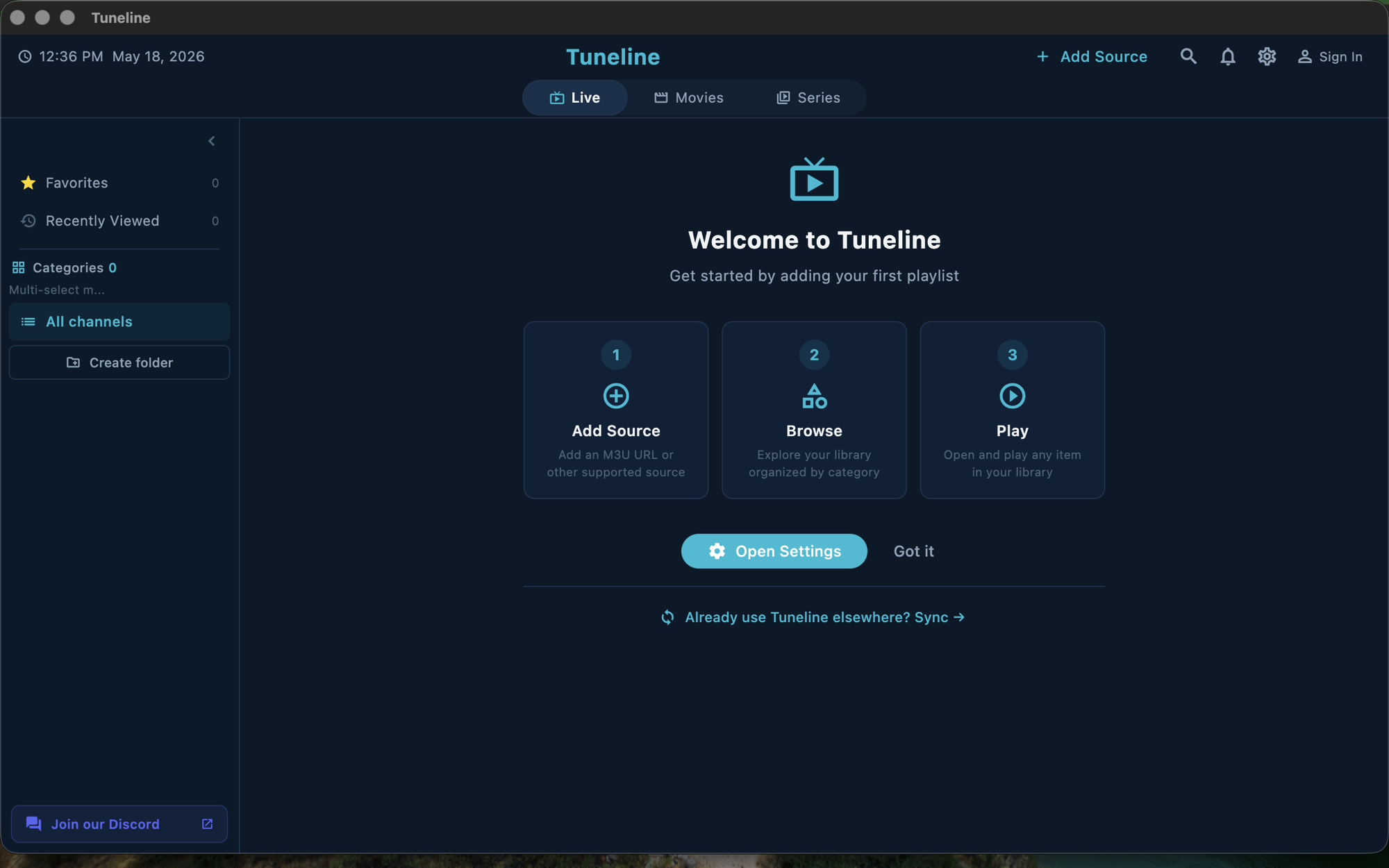
No ads. Not "fewer ads" — none.
Tuneline has no banner ads, no interstitials, no pre-roll before a stream, no "watch an ad to unlock" mechanics. There is no ad SDK compiled into the app, which means there is nothing on board whose job is to profile you so an ad network can target you.
The free tier is funded by the paid tier, not by advertising. That's the whole model. If you never upgrade, you still get an ad-free player — the free tier covers one playlist on one device with every codec and format unlocked.
This matters beyond annoyance. An ad SDK is a data pipe: it ships device identifiers, app-usage signals, and often coarse location to a third-party network you never chose to do business with. Removing ads removes that entire pipe.
No third-party analytics or trackers
Plenty of "free" apps skip visible ads but still embed analytics SDKs — Firebase, a crash-and-usage tracker, a session recorder — that phone home on every screen you open. Tuneline doesn't carry third-party analytics or behavioral-tracking SDKs. There's no SDK watching which channels you open, how long you watch, or what you searched for.
The practical test: put Tuneline behind a network monitor while you browse channels offline-ish. You won't see a stream of events leaving for an analytics vendor, because there isn't one to leave for.
No account required to start watching
You can download Tuneline, paste in an M3U or Xtream URL, and watch — without creating an account, without an email, without a password. The empty-state screen has one button: Add Playlist. (How to add a playlist.)
That's deliberate. A signup wall in front of a media player exists to capture an email address, not to make the player work. VLC doesn't need your email to play a file; Tuneline doesn't need it to play a playlist.
Your library lives on your device
When you use Tuneline without signing in, everything stays local:
- Your playlist URLs and credentials
- Favorites, watch history, and last-watched channel
- EPG-source pairings and reminders
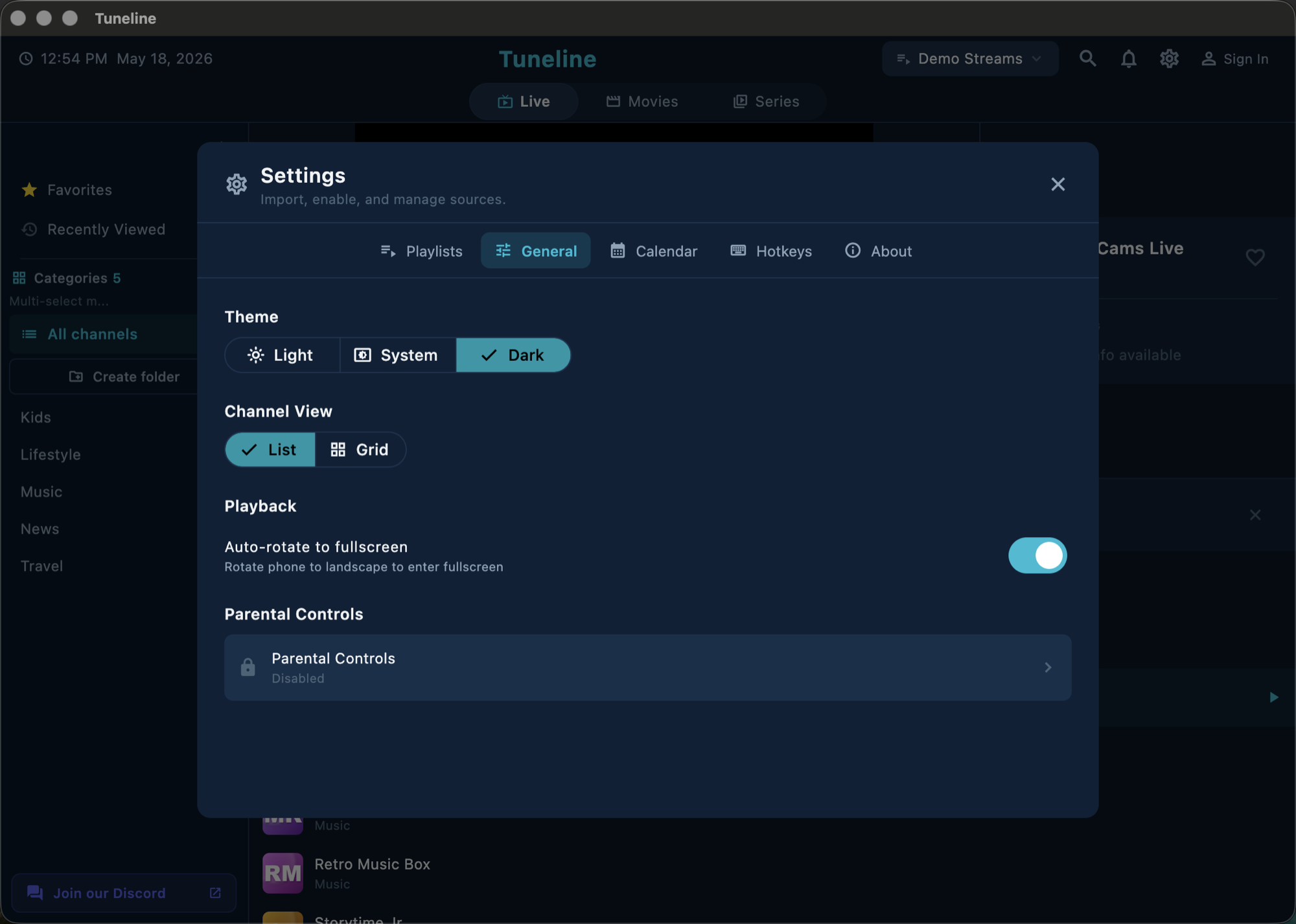
- Parental-control PIN and settings
These are stored in a local on-device database, not uploaded anywhere. Uninstall the app and that data is gone with it — it was never on a server to begin with.
The honest part: what happens when you do sign in
Here's where I won't pretend the number is zero. Tuneline offers an optional account so your library can sync across devices — add a playlist on your Mac, sign in on a Google TV, and it's already there. (How cross-device sync works.)
If you choose to create an account and enable sync, this is what touches a server:
- Your email address — to identify the account and send the occasional account email.
- A device identifier — so sync knows which devices belong to you.
- Your synced library — playlist URLs, favorites, history, EPG pairings — stored so it can reach your other devices. Playlist credentials are stored encrypted.
- Purchase records — if you buy the paid tier, to know you're entitled to it.
That's the full list, and it only applies if you opt in. It's the same set of data we declare on the App Store privacy form, because the form and this paragraph should say the same thing. What is not on that list: no ad targeting, no selling data, no behavioral analytics of what you watch.
If you want zero cloud footprint, the choice is simple: don't sign in. The player is fully functional without an account — you just lose multi-device sync. That trade is yours to make, not ours to force.
Why a player can afford to be private
Bundled IPTV apps — the ones that come with channels baked in — have a structural reason to track you: their business depends on understanding and monetizing an audience. A bring-your-own-playlist player has no such pressure. You supply the content; we supply playback. There's no audience to package and sell because there's no content catalog to sell it against. (More on the BYO model.)
Privacy here isn't a marketing virtue bolted on. It falls out of the business model. A player that charges a small one-time-style fee for the paid tier doesn't need to mine its users, so it doesn't.
A quick privacy checklist for any IPTV player
Before you trust any player — Tuneline or otherwise — check:
- Does it show ads? Ads mean an ad SDK, and an ad SDK means data leaves the device.
- Does it force signup before playback? A wall in front of "play" is an email-capture mechanism.
- Can it work fully offline-of-account? If core features are gated behind a login, your data is the price.
- Is there a real privacy policy that names the data? Vague policies hide broad collection.
- Who funds the free version? If it's not the paid tier, it's probably you.
Tuneline answers those: no ads, no forced signup, fully usable without an account, a privacy policy that names exactly the data above.
FAQ
Does Tuneline work completely without an account?
Yes. Download, add a playlist, watch. Every core feature — playback, EPG, favorites, history, parental controls, recording — works without signing in. An account only adds cross-device sync.
If I never sign in, does Tuneline send anything to your servers?
The app checks for updates and your streams obviously come from your provider's servers — but Tuneline itself doesn't ship your viewing behavior to an analytics or ad backend. There's no third-party tracking SDK in the build.
Does Tuneline sell or share my data?
No. There's no data-broker relationship and no ad-network integration. The synced library (if you opt into an account) exists only to reach your own other devices.
Is my playlist URL safe if I enable sync?
Playlist URLs and credentials are stored encrypted when synced. If you'd rather keep them only on one device, use Tuneline without an account and nothing leaves the device.
What about the streams themselves — can you see what I watch?
No. Your streams flow directly from your provider to your device. Tuneline isn't a proxy and isn't in the path of your video traffic.
Want a player that just plays your playlist? Download Tuneline — no ads, no trackers, and no account needed to start.
— Shamir
Share this article
Get Tuneline free
A clean, no-account media player for macOS, Windows, Linux, Android, TV, and iOS. Bring your own playlist.
Download freeRelated articles
- Ethernet vs Wi-Fi for 4K Streams: What Actually Matters (2026)
- Linux Video Playback in 2026: Wayland, VA-API and HDR
- Streamflation 2026: What Streaming Really Costs Now
- What Is a Stream URL, and How Do You Check Yours? (2026)
- What Is a .TS File, and Why Your Streams Are Made of Them
Read this article in another language
- EnglishThe Private IPTV Player: No Ads, No Trackers, No Account to Start
- FrançaisLe lecteur IPTV privé : aucune publicité, aucun suivi, pas de compte pour commencer
- العربيةمشغل IPTV خاص: لا إعلانات، لا متعقبات، لا تحتاج حساباً للبدء
- বাংলাব্যক্তিগত আইপিটিভি প্লেয়ার: কোনো বিজ্ঞাপন নেই, ট্র্যাকার নেই, শুরু করতে অ্যাকাউন্টেরও দরকার নেই
- ČeštinaSoukromý IPTV přehrávač: bez reklam, bez trackerů, bez nutnosti účtu
- DanskDen private IPTV-afspiller: Ingen reklamer, ingen trackere, ingen konto nødvendig for at komme i gang
- DeutschDer private IPTV Player: Ohne Werbung, ohne Tracker, kein Konto erforderlich zum Starten
- ΕλληνικάΤο ιδιωτικό IPTV player: Χωρίς διαφημίσεις, trackers ή λογαριασμό για να ξεκινήσετε
- EspañolEl reproductor de IPTV privado: sin anuncios, sin rastreadores, sin cuenta para iniciar
- SuomiYksityinen IPTV-soitin: ei mainoksia, ei seurantaa, ei tiliä aloitukseen
- हिन्दीप्राइवेट IPTV प्लेयर: न विज्ञापन, न ट्रैकर, शुरुआत के लिए अकाउंट की भी ज़रूरत नहीं
- ItalianoIl Lettore IPTV Privato: Nessuna Pubblicità, Nessun Tracker, Nessun Account per Iniziare
- 한국어개인정보 보호 IPTV 플레이어: 광고 없음, 추적 없음, 계정 없이 시작
- Bahasa MelayuPemain IPTV peribadi: Tiada Iklan, Tiada Penjejak, Tiada Akaun Diperlukan untuk Bermula
- NederlandsDe Private IPTV-speler: Geen advertenties, geen trackers, geen account nodig om te starten
- NorskDen private IPTV-spilleren: Ingen annonser, ingen sporere, ingen konto nødvendig for å komme i gang
- PolskiPrywatny odtwarzacz IPTV: Bez reklam, bez śledzenia, bez konta na początek
- PortuguêsO Reprodutor IPTV Privado: Sem Anúncios, Sem Rastreadores, Sem Conta para Começar
- РусскийПриватный плеер IPTV: без рекламы, без трекеров, регистрация не требуется
- СрпскиPrivatni IPTV plejer: bez oglasa, bez praćenja, bez naloga za početak
- SvenskaDen privata IPTV-spelaren: inga annonser, inga spårare, inget konto krävs för att komma igång
- TürkçeÖzel IPTV Oynatıcı: Reklamsız, İzleyici Yok, Başlamak İçin Hesap Gerekmez
- Tiếng ViệtTrình phát IPTV riêng tư: Không quảng cáo, không theo dõi, không cần tài khoản để bắt đầu
Tuneline is a media player application. It does not provide, host, or distribute any content. You bring your own playlist, exactly as you would with VLC.