
By Rawnok Jahan
IPTV VOD & Movies: How On-Demand Libraries Work in a Player
A provider's movies and series aren't a separate app — when the player supports VOD, they load right alongside your live lineup, browsable on demand.
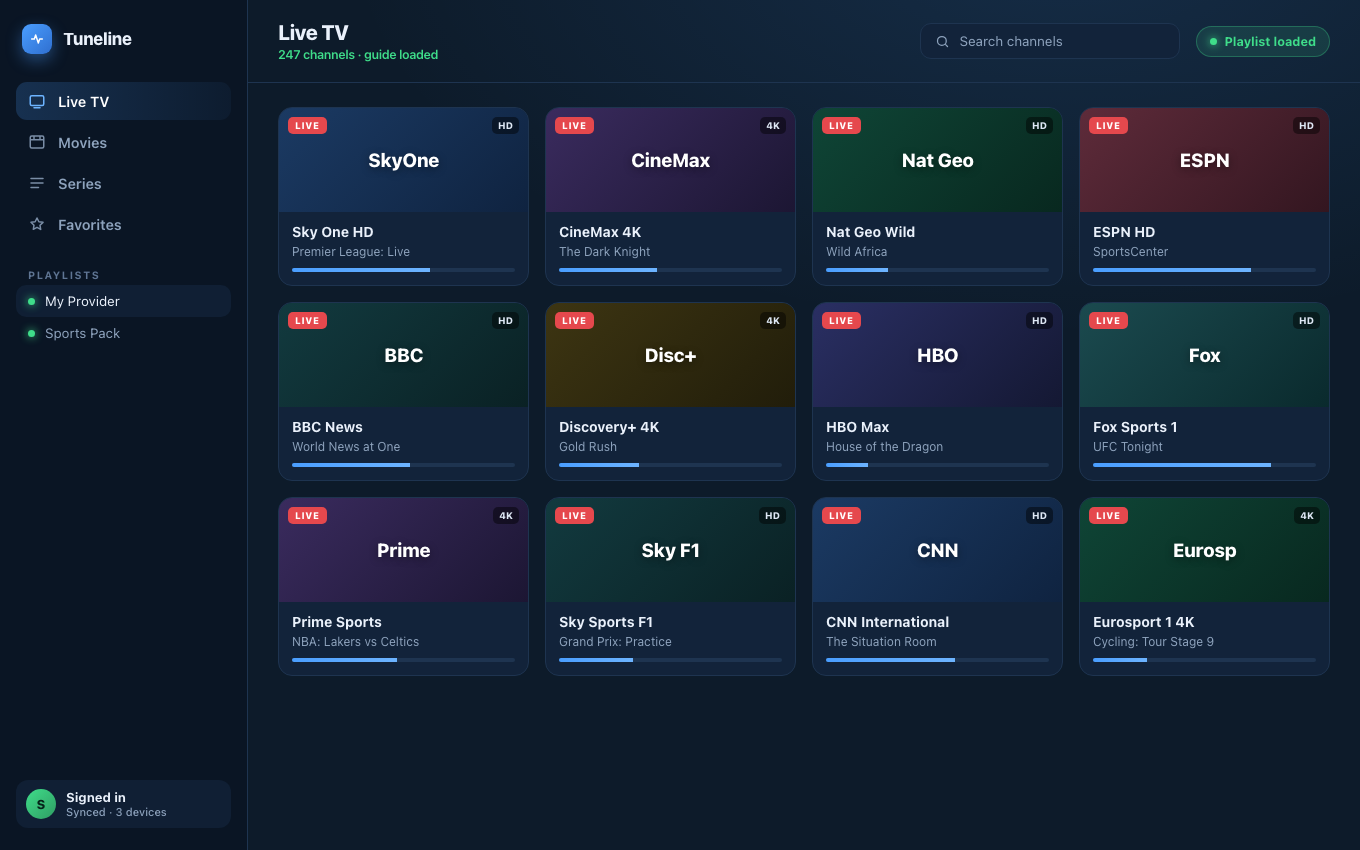
When a player supports VOD, on-demand titles sit alongside live content.
You've heard your provider mention "VOD," or you've seen other people scrolling a full grid of movies and series in their player while yours only shows live channels. What gives? Is VOD a different subscription, a different app, or a feature your player is just missing?
This guide explains what VOD (video on demand) is on IPTV, how on-demand libraries are delivered, and why some players display them and others don't. We'll use Tuneline for the examples.
What VOD Means on IPTV
VOD — video on demand — is content you can start whenever you want, as opposed to live channels that play whatever is airing right now. On IPTV, VOD usually comes in two buckets:
- Movies — a library of individual films you can browse and press play on.
- Series — TV shows organized into seasons and episodes, so you can pick episode 4 of season 2 directly.
The distinction from live is simple: a live channel is a river you join mid-flow; VOD is a shelf you pick a title off and start from the beginning. Both can come from the same provider, often on the same login.
How On-Demand Content Is Delivered
This is the part that explains why players differ so much. VOD isn't magic — it's just extra data your provider exposes, and the delivery method determines whether you get it at all.
With Xtream Codes
An Xtream login is the most VOD-friendly setup. Because it's a live login (server URL + username + password), the player can ask the server three separate questions: "give me the live channels," "give me the movie library," and "give me the series library." A player built for Xtream can therefore show Live, Movies, and Series as separate sections, each browsable with posters, categories, and episode lists.
With a Stalker / Ministra Portal
A Stalker portal can also carry VOD. After the handshake, the portal can serve on-demand catalogs the same way it serves live channels. Whether you see them depends on your provider populating a VOD section on the portal and your player requesting it.
With a Plain M3U Playlist
A static M3U can include VOD entries, but it's clumsy — the movies end up as ordinary lines in the same flat list as live channels, often lumped into groups named "VOD | Movies" or "SERIES." There's no real season/episode structure; it's just more entries. Some providers don't put VOD in the M3U at all, which is why an M3U user often sees only live channels even though the provider has a movie library.
Why Your Player Might Show Only Live Channels
If everyone else has a movie grid and you don't, it's almost always one of these:
- You're using an M3U link that doesn't include VOD. The provider keeps movies on the Xtream/portal side, not in the flat playlist. Ask whether they offer an Xtream login for the same account — it's frequently the same subscription in another form.
- Your player doesn't render VOD sections. Some apps only display live channels and ignore the movie/series data even when it's present. A player with dedicated Movies and Series views is required to browse it properly.
- Your provider simply doesn't offer VOD. Not every subscription includes an on-demand library. If that's the case, no player can conjure one.
How to Get the Full On-Demand Experience
To actually browse movies and series the way it's meant to work:
- Use the login type that carries VOD — usually Xtream Codes, sometimes a Stalker portal — rather than a bare M3U that strips it out.
- Use a player that renders on-demand libraries with real categories, poster art, and season/episode navigation, not just a flat channel list.
- Confirm your provider includes VOD in your plan before assuming the player is at fault.
Tuneline reads VOD from Xtream and portal logins and presents movies and series as browsable, on-demand sections — separate from your live lineup — on Windows, macOS, Linux, Android, Android TV, Fire TV, iPhone, iPad, and Apple TV. So if your provider offers an on-demand library, you can actually use it.
Quick Reference
| You have… | VOD support | Why |
|---|---|---|
| Xtream Codes login | Best — Live + Movies + Series | Player queries each catalog separately |
| Stalker portal | Yes, if provider populates it | Portal serves on-demand catalogs after handshake |
| Plain M3U link | Limited or none | VOD, if present, is flat entries with no structure |
VOD turns an IPTV subscription from "whatever's on right now" into a full on-demand library — but you only get it if your login carries it and your player knows how to show it.
Download Tuneline — it renders Movies and Series from Xtream and portal logins, right next to your live lineup.
Related: Portal Code vs M3U vs Xtream: Which Login Do You Have? · The Best Stalker Portal Player in 2026
Share this article
Get Tuneline free
A clean, no-account media player for macOS, Windows, Linux, Android, TV, and iOS. Bring your own playlist.
Download freeRelated articles
- How to Watch Movies & Series on IPTV (VOD Explained)
- Ethernet vs Wi-Fi for 4K Streams: What Actually Matters (2026)
- Linux Video Playback in 2026: Wayland, VA-API and HDR
- Streamflation 2026: What Streaming Really Costs Now
- What Is a Stream URL, and How Do You Check Yours? (2026)
Read this article in another language
- EnglishIPTV VOD & Movies: How On-Demand Libraries Work in a Player
- FrançaisIPTV VOD & Films : Comment fonctionnent les médiathèques à la demande dans un lecteur
- العربيةIPTV VOD والأفلام: كيف تعمل مكتبات الفيديو عند الطلب في مشغل
- বাংলাআইপিটিভি ভিওডি ও সিনেমা: প্লেয়ারে অন-ডিমান্ড লাইব্রেরি যেভাবে কাজ করে
- ČeštinaIPTV VOD a filmy: Jak fungují knihovny obsahu na vyžádání v přehrávači
- DanskIPTV VOD og film: Sådan fungerer on-demand-biblioteker i en afspiller
- DeutschIPTV VOD & Filme: So funktionieren On-Demand-Bibliotheken in einem Player
- ΕλληνικάIPTV VOD και ταινίες: Πώς λειτουργούν οι βιβλιοθήκες κατ’ απαίτηση σε ένα player
- EspañolIPTV VOD y películas: cómo funcionan las bibliotecas bajo demanda en un reproductor
- SuomiIPTV:n VOD ja elokuvat: näin tilauskirjastot toimivat soittimessa
- हिन्दीIPTV VOD और फ़िल्में: प्लेयर में ऑन-डिमांड लाइब्रेरी कैसे काम करती हैं
- ItalianoIPTV VOD e film: Come funzionano le librerie on-demand in un lettore
- 한국어IPTV VOD 및 영화: 플레이어에서 주문형 라이브러리가 작동하는 방식
- Bahasa MelayuIPTV VOD & Filem: Cara Perpustakaan Atas Permintaan Berfungsi dalam Pemain
- NederlandsIPTV VOD & Films: Hoe On-Demand Bibliotheken Werken in een Speler
- NorskIPTV VOD og filmer: Slik fungerer on-demand-biblioteker i en spiller
- PolskiIPTV VOD i Filmy: Jak działają biblioteki na żądanie w odtwarzaczu
- PortuguêsIPTV VOD e Filmes: Como as Bibliotecas de Conteúdo sob Demanda Funcionam em um Reprodutor
- РусскийIPTV VOD и фильмы: как работают библиотеки по требованию в плеере
- СрпскиIPTV VOD i filmovi: Kako biblioteke sadržaja na zahtev funkcionišu u plejeru
- SvenskaIPTV VOD och filmer: Så fungerar on-demand-bibliotek i en spelare
- TagalogIPTV VOD at Mga Pelikula: Paano Gumagana ang mga On-Demand Library sa isang Player
- TürkçeIPTV VOD ve Filmler: İsteğe Bağlı Kitaplıklar Oynatıcıda Nasıl Çalışır
- Tiếng ViệtIPTV VOD & Phim: Cách Thư Viện On-Demand Hoạt Động Trong Trình Phát
Tuneline is a media player application. It does not provide, host, or distribute any content. You bring your own playlist, exactly as you would with VLC.