
By Shamir
Portal Code vs M3U vs Xtream: Which IPTV Login Do You Actually Have?
Whichever login your provider gave you — portal code, M3U URL, or Xtream — it ends in the same place: a loaded player. Here's what that looks like once you've picked the right one.
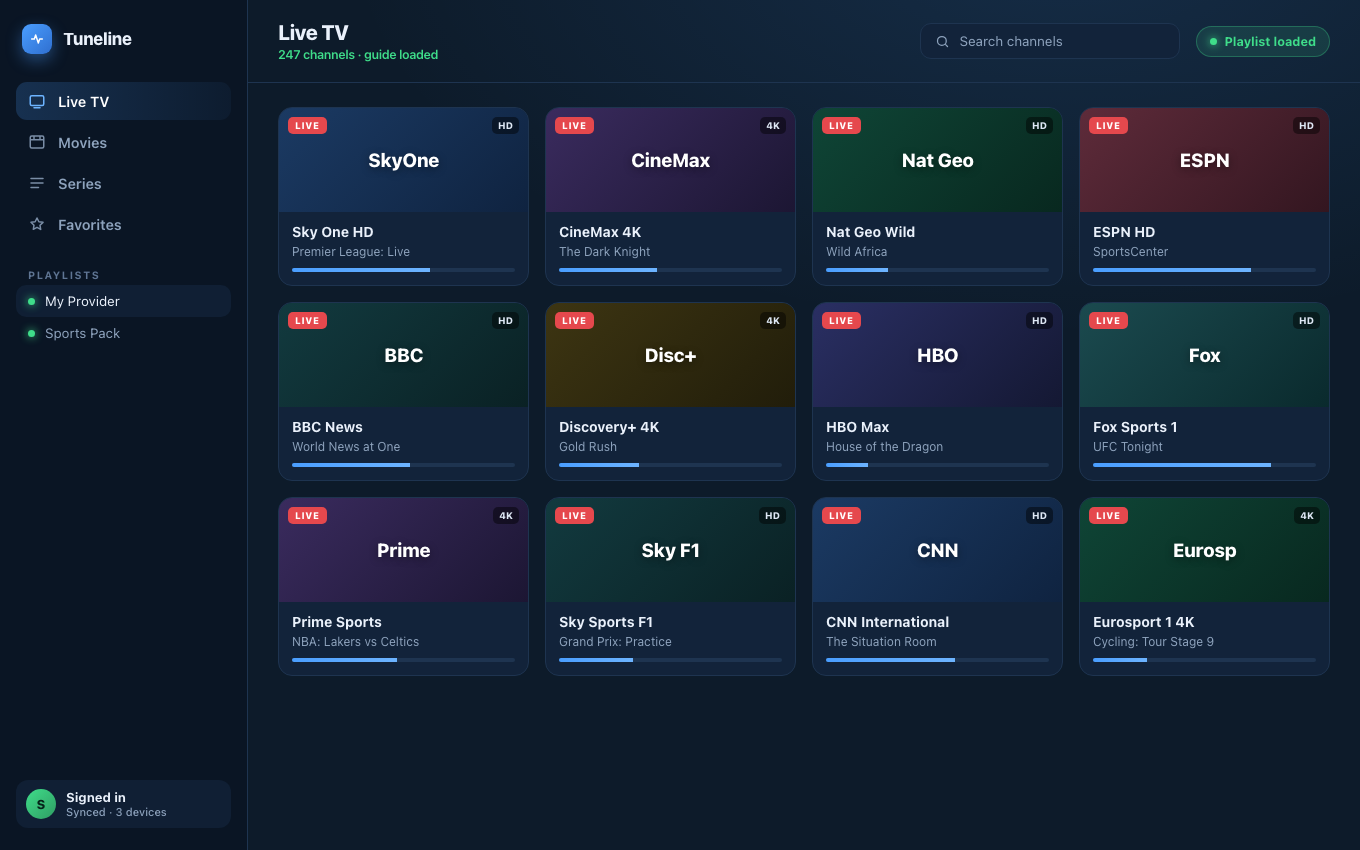
All three login types lead here: a fully loaded player.
Someone gives you access to a lineup and says "just use the portal code," or "here's your M3U," or "log in with Xtream." Then your player asks you to pick a source type and you freeze, because it's not obvious which one you were actually handed.
This is one of the most common places people get stuck, and getting it wrong is why a login "doesn't work" even though the details are correct. Here's how to identify what you have in about 30 seconds, and which setting to use for each. We'll use Tuneline for the examples since it supports all three, but the identification part applies to any player.
The Three Things You Might Have
Despite the different names people use, there are really only three delivery methods in common use. Everything else is a nickname for one of them.
1. An M3U Playlist
What it looks like: a single long web link, often ending in .m3u or .m3u8, or a URL with get.php?...&type=m3u_plus in it. Sometimes it's an actual file someone sent you.
What it is: a static list of streams. Open it and every channel link is inside. It's the simplest, most portable format — any capable player reads the same file.
How you add it: choose M3U / URL, paste the link (or import the file), done.
2. An Xtream Codes Login
What it looks like: three separate pieces — a server URL (host, sometimes with a port like :8080), a username, and a password.
What it is: a login-based system. Instead of one big link, the player uses your username and password to ask the server for your channels, EPG, and on-demand library. If you were given a username and password rather than a single link, this is almost always what you have.
How you add it: choose Xtream Codes, then fill in the server URL, username, and password in their own fields.
Tip: an Xtream login and an M3U link are often the same account in two forms — many Xtream panels also expose a
get.phpM3U URL. If one is finicky, the other frequently works.
3. A Portal Code (a Stalker / Ministra Portal)
What it looks like: a portal URL — usually ending in /c/, /portal.php, or /stalker_portal/ — paired with a MAC address like 00:1A:79:XX:XX:XX. The "portal code" people mention is typically this MAC (or a short pairing code the provider maps to it).
What it is: a live login designed for set-top boxes. The player performs a handshake, registers your MAC as the "device," and fetches the channel list on demand. Nothing is stored in a file. This is the one most likely to trip up a basic player, because many can't speak the protocol at all.
How you add it: choose Stalker Portal, paste the portal URL and the MAC (plus username/password if required).
The 30-Second Decision Tree
Look at what you were actually given:
- One long web link (ends in
.m3u/.m3u8or hasget.php) → M3U. - A URL + a username + a password → Xtream Codes.
- A URL ending in
/c/or/stalker_portal/+ a MAC address → Stalker / Portal Code.
That's it. If you match those three patterns, you'll pick the right source type every time.
Why "Portal Code vs IPTV" Is the Wrong Comparison
A lot of people search "portal code vs IPTV" as if they're two different things. They aren't. IPTV is the delivery method (streams over the internet); a portal code is just one way to log in to it — the Stalker/Ministra way. M3U and Xtream are the other two ways. So the real question is never "portal code or IPTV," it's "which of the three login types do I have?" — which is exactly what the decision tree above answers.
Why Picking the Right Type Matters
Players don't guess. If you paste a Stalker portal into the M3U box, it fails, not because your credentials are bad, but because the player is trying to read a live login as if it were a static file. Match the source type to what you were given and things "just work."
This is also why the player you choose matters. Some only do M3U. Some do M3U and Xtream. A player that handles all three means you never have to convert anything or hunt for a different app when a provider hands you a format you didn't expect. Tuneline reads M3U, Xtream Codes, and Stalker portals natively, on Windows, macOS, Linux, Android, Android TV, Fire TV, iPhone, iPad, and Apple TV.
Quick Reference
| You were given… | It's a… | Source type to pick |
|---|---|---|
One long .m3u / get.php link | M3U playlist | M3U / URL |
| URL + username + password | Xtream Codes | Xtream Codes |
URL (/c/, /stalker_portal/) + MAC | Stalker / portal code | Stalker Portal |
Identify it once and you'll never fight the "it won't log in" problem again.
Download Tuneline — it supports all three, so whatever you were handed, you're covered.
Related: M3U vs Xtream Codes vs Stalker Portal · What Is a Stalker Portal? · Xtream Codes Login Failed? How to Fix It
Share this article
Get Tuneline free
A clean, no-account media player for macOS, Windows, Linux, Android, TV, and iOS. Bring your own playlist.
Download freeRelated articles
- Stalker Portal Codes Explained: What They Are & How to Use One Safely
- Ethernet vs Wi-Fi for 4K Streams: What Actually Matters (2026)
- Linux Video Playback in 2026: Wayland, VA-API and HDR
- Streamflation 2026: What Streaming Really Costs Now
- What Is a Stream URL, and How Do You Check Yours? (2026)
Read this article in another language
- EnglishPortal Code vs M3U vs Xtream: Which IPTV Login Do You Actually Have?
- FrançaisCode portail, M3U ou Xtream : quel identifiant IPTV avez-vous vraiment ?
- العربيةرمز البوابة مقابل M3U مقابل Xtream: أي حساب IPTV لديك فعلاً؟
- বাংলাপোর্টাল কোড বনাম M3U বনাম Xtream: আপনার আসলে কোন IPTV লগইন আছে?
- DanskPortal Code vs M3U vs Xtream: Hvilket IPTV-login har du egentlig?
- DeutschPortalcode vs M3U vs Xtream: Welcher IPTV-Login hast du wirklich?
- ΕλληνικάPortal Code vs M3U vs Xtream: Ποια σύνδεση IPTV έχεις στην πραγματικότητα;
- EspañolCódigo de portal vs M3U vs Xtream: ¿Qué inicio de sesión de IPTV tiene realmente?
- Español (Latinoamérica)¿Código de portal, M3U o Xtream: qué tipo de acceso IPTV tienes realmente?
- SuomiPortal-koodi vs. M3U vs. Xtream: mikä IPTV-kirjautumistapa sinulla oikeasti on?
- हिन्दीपोर्टल कोड बनाम M3U बनाम Xtream: आपके पास वास्तव में कौन-सा IPTV लॉगिन है?
- ItalianoCodice Portale vs M3U vs Xtream: Quale Login IPTV Hai Effettivamente?
- 한국어포탈 코드 vs M3U vs Xtream: 실제로 어떤 IPTV 로그인을 가지고 있는가?
- Bahasa MelayuKod Portal vs M3U vs Xtream: Log masuk IPTV yang Mana Sebenarnya Anda Ada?
- NederlandsPortalcode vs M3U vs Xtream: Welke IPTV-login heb je eigenlijk?
- NorskPortal-kode vs. M3U vs. Xtream: Hvilken IPTV-pålogging har du egentlig?
- PolskiKod Portalu a M3U a Xtream: Jaki login IPTV właściwie posiadasz?
- PortuguêsCódigo do Portal vs M3U vs Xtream: Qual Login IPTV Você Realmente Tem?
- РусскийКод портала vs M3U vs Xtream: Какой логин IPTV у вас на самом деле?
- СрпскиPortal kod naspram M3U naspram Xtreama: Koju IPTV prijavu zapravo imate?
- SvenskaPortal Code kontra M3U kontra Xtream: Vilken IPTV-inloggning har du egentligen?
- TürkçePortal Kodu vs M3U vs Xtream: Seninki Hangisi?
- Tiếng ViệtMã Portal vs M3U vs Xtream: Bạn Thực Sự Có Loại IPTV Login Nào?
Tuneline is a media player application. It does not provide, host, or distribute any content. You bring your own playlist, exactly as you would with VLC.