
By Shamir
Xtream Codes Login Failed: Diagnosis & Fix
A failed Xtream login is almost always a wrong field, a trailing slash, or a port, and it's fixable in under a minute. Here's the app once the login goes through.
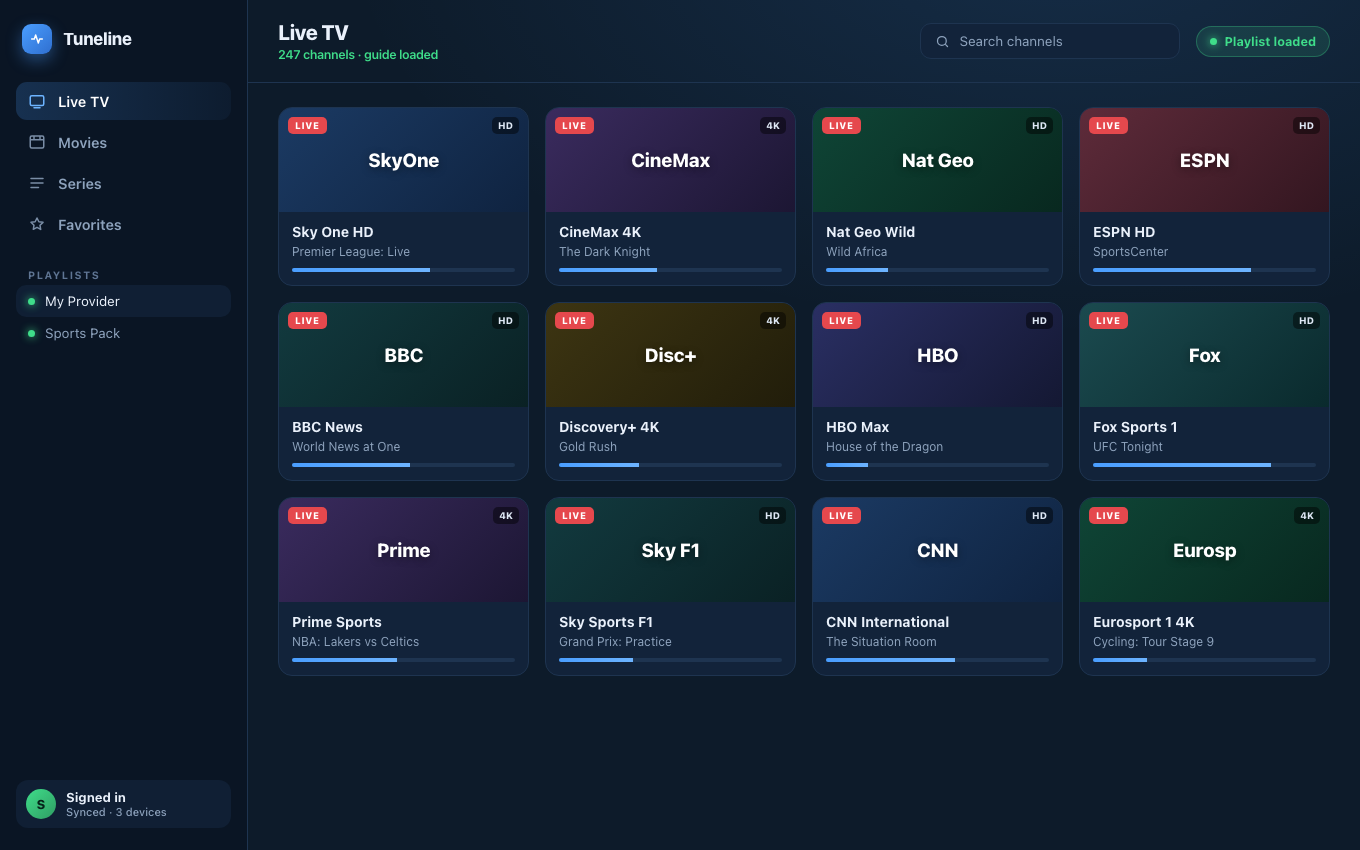
After a clean Xtream login: channels, guide and categories all populate.
"Xtream Codes login failed" is one of the most-searched IPTV error messages, and the most ambiguous. The error is usually generic — "Authentication failed," "Invalid credentials," "Connection refused" — but the underlying cause is almost always one of six specific things.
This guide walks through each cause in order of how often it happens, with the fix for each. We'll use Tuneline for examples because it surfaces the underlying server response (most players hide it behind a generic error). If you're not on Tuneline yet, install it — even just to use as a diagnostic, the actual error text it shows tells you exactly which of the six issues you're hitting.
See the real reason your login failed
Tuneline surfaces the actual server response — wrong port, expired subscription, IP block — instead of a generic error, and once you're connected, cross-device sync means you paste those credentials once. Free media player.
Download freeThe Six Reasons "Xtream Codes Login Failed" Shows Up
1. Wrong port (most common)
Xtream Codes panels run on whatever port the reseller chose — :80, :8080, :8000, :8880, :25461. There is no standard. If the URL is right but the port is wrong, you get an immediate connection failure that looks like a credential error.
Fix: ask your provider for the exact port and make sure your "Server URL" field includes it: http://server.example.com:8080, not http://server.example.com. There's no separate port field to fill in on Tuneline's Xtream form — the port lives inside the Server URL itself, which is exactly why it's easy to drop by accident.
In Tuneline, the error message distinguishes an unreachable server (wrong port, server down) from a reachable server that rejected your credentials, instead of a single generic "login failed." That distinction usually pinpoints the issue.
2. Expired subscription
Resellers don't always send out renewal reminders. If your subscription quietly lapsed, the server returns an auth: 0 response, which players translate to "login failed."
Fix: check your billing portal or message your provider. There's nothing the player can do.
3. Concurrent connection limit hit
Most Xtream panels enforce a concurrent-connection cap (often 1, sometimes 2 or 3). If you've left the stream playing on a TV in the bedroom and tried to log in again on a laptop, the second login is rejected. (How connection limits and device limits differ.)
Fix: close the existing session — kill the stream on the other device — and retry. If you don't know which device is connected, restart your router (forces all sessions to drop). Some panels also let you self-clear sessions through a web portal.
4. IP ban / geographic restriction
Some panels block specific countries, datacenter IP ranges (looking at you, AWS), or IPs that have triggered abuse heuristics (too many failed logins from one address, for example). VPN exit nodes get banned constantly.
Fix:
- Try a different VPN exit, or turn the VPN off, and retry.
- If you recently failed several logins in a row, wait 15 minutes — most rate limits are time-based, not permanent.
- If your provider is geo-restricted to one country and you're outside it, you need a VPN with an exit in that country.
5. MAC binding / device limit (Stalker-style restriction layered on Xtream)
Some hybrid panels are technically Xtream but enforce a STB-style MAC binding underneath. The first device to connect "claims" the slot, and other devices are rejected with a generic auth error.
Fix: message your provider and ask them to clear the bound MAC, or to issue a higher device limit. This is a provider-side lock, not something a player-side setting can override — Tuneline's MAC address field only exists on the Stalker Portal form, not the Xtream one, precisely because Xtream doesn't normally work this way.
6. Wrong credentials (least common, despite being the obvious guess)
Real wrong-password errors are rare because most users copy/paste from an email. But it does happen — especially when you have multiple providers and you've grabbed the wrong username from the wrong message.
Fix: open the original email/portal, copy the username and password fresh, and paste them in. Beware of leading/trailing whitespace — many players don't trim it. (Tuneline does.)
How to Set Up Xtream Codes in Tuneline (the right way)
Once you know which of the six issues to avoid, the setup is straightforward:
- Open Tuneline and click "Add Playlist."
- Switch the playlist type to "Xtream."
- Fill in:
- Server URL — host and port together, no path:
http://server.example.com:8080 - Username
- Password
- Server URL — host and port together, no path:
- Click Add Playlist.
Tuneline will hit the Xtream API, pull your live channels, VOD, and series catalogs, and populate them in the sidebar within seconds. If the login fails, the error message tells you whether the server was unreachable (TCP-level — wrong port, server down) or reachable but rejected your sign-in (credentials or subscription problem) — it doesn't break the second case down further by HTTP status, so 401, 403, and an expired subscription all show the same "check your username, password, and subscription" message.
That diagnostic clarity alone is worth installing the app for — most players just say "login failed" and leave you guessing.
When to Switch Providers
If you've cycled through all six fixes and the panel still fails intermittently, the problem is the panel, not you. Resellers oversubscribe, mismanage concurrent limits, and sometimes vanish entirely. If your provider has multiple outages a week, no support response, or a panel that's routinely overloaded — switch.
Tuneline doesn't sell a service. We don't have a provider to recommend. But once you find a stable one, add it to Tuneline, turn on cross-device sync so the login travels with you, and you'll never have to re-paste those credentials on a new device.
FAQ
Why does my Xtream login work in IPTV Smarters but not in [other player]?
Almost always a port-handling difference. Smarters and similar apps default-fall back across common ports if the supplied one fails; some players strict-enforce only what you typed. Try Tuneline — it surfaces the actual TCP/HTTP error so you can see which port your panel is really on.
Is "Xtream Codes" the same as a regular M3U URL?
Related, not identical. The Xtream API is a structured JSON API that exposes channels, VOD, series, and EPG separately. An M3U URL is a flat playlist. Both come from the same panel; the Xtream API gives a richer experience because the player can fetch metadata (posters, descriptions, EPG) properly.
Will Tuneline auto-retry if my login fails temporarily?
Yes — a transient failure (server error, connection reset, unreachable) gets 2 automatic retries with a short backoff before the error surfaces. Auth failures are never retried, so if it shows you "login failed," the server actually rejected you, not a flaky connection.
Can I use one Xtream account on Mac, Windows, and Android at the same time?
Depends on your provider's concurrent-connection limit, not on Tuneline. If your panel allows 2 simultaneous streams, you can stream on two devices at once; the third would fail.
Stop guessing what the error means. Install Tuneline, paste your Xtream credentials, and the actual error response from your panel will tell you which fix to apply.
— Shamir
Share this article
Rather not troubleshoot? Tuneline handles this for you.
A free media player with hardware-accelerated playback and automatic reconnect built in — the two things most players leave off. Bring your existing playlist.
Download freeRelated articles
- IPTV Channels Not Loading? Playlist Won't Load — Fixes That Work
- IPTV Black Screen but Audio Works: Why It Happens and How to Fix It
- Why Your Streams Only Break During the Match (2026)
- EPG Not Working on TiVimate or Firestick? Here's the Fix
- IPTV Error Messages Decoded: What 10 Common Errors Actually Mean
Read this article in another language
- EnglishXtream Codes Login Failed: Why It Happens and How to Fix It
- FrançaisXtream Codes Connexion Échouée : Pourquoi cela se produit et comment le corriger
- العربيةXtream Codes فشل تسجيل الدخول: لماذا يحدث وكيفية إصلاحه
- বাংলাXtream Codes লগইন ব্যর্থ: কেন এমন হয় এবং কীভাবে ঠিক করবেন
- DeutschXtream Codes Login fehlgeschlagen: Warum es passiert und wie man es behebt
- ΕλληνικάXtream Codes Αποτυχία σύνδεσης: Γιατί συμβαίνει και πώς διορθώνεται
- EspañolXtream Codes Error de inicio de sesión: por qué sucede y cómo solucionarlo
- SuomiXtream Codes Kirjautuminen epäonnistui: miksi näin käy ja miten ongelma korjataan
- हिन्दीXtream Codes लॉगिन विफल: ऐसा क्यों होता है और इसे कैसे ठीक करें
- ItalianoXtream Codes Login non riuscito: perché succede e come risolverlo
- 한국어Xtream Codes 로그인 실패: 원인과 해결 방법
- Bahasa MelayuXtream Codes Log Masuk Gagal: Sebab Berlaku dan Cara Membetulkannya
- NederlandsXtream Codes Aanmelding mislukt: Waarom dit gebeurt en hoe het op te lossen
- NorskXtream Codes Innlogging mislyktes: Hvorfor det skjer, og hvordan du løser det
- PolskiXtream Codes Logowanie nie powiodło się: Dlaczego się to dzieje i jak to naprawić
- PortuguêsXtream Codes Login Failed: Por Que Acontece e Como Corrigir
- РусскийXtream Codes Ошибка входа: почему это происходит и как это исправить
- СрпскиXtream Codes Prijavljivanje nije uspelo: zašto se to dešava i kako da rešite problem
- TürkçeXtream Codes Oturum Açılamadı: Neden Olur ve Nasıl Düzeltilir
- Tiếng ViệtXtream Codes Đăng nhập thất bại: Lý do và cách khắc phục
Tuneline is a media player application. It does not provide, host, or distribute any content. You bring your own playlist, exactly as you would with VLC.