
By Shamir
Your Jellyfin Server Still Needs a Player: The Split Nobody Explains
Jellyfin crossed 50,568 GitHub stars and 360 million Docker pulls by April 2026, most of that growth arriving after Plex tripled its Lifetime Pass. A lot of people set up their first self-hosted server this year.
And a lot of them then said some version of: "Jellyfin is great on my desktop and bad on my TV."
That sentence contains a category error worth untangling, because it sends people back to re-tuning a server that was never the problem.
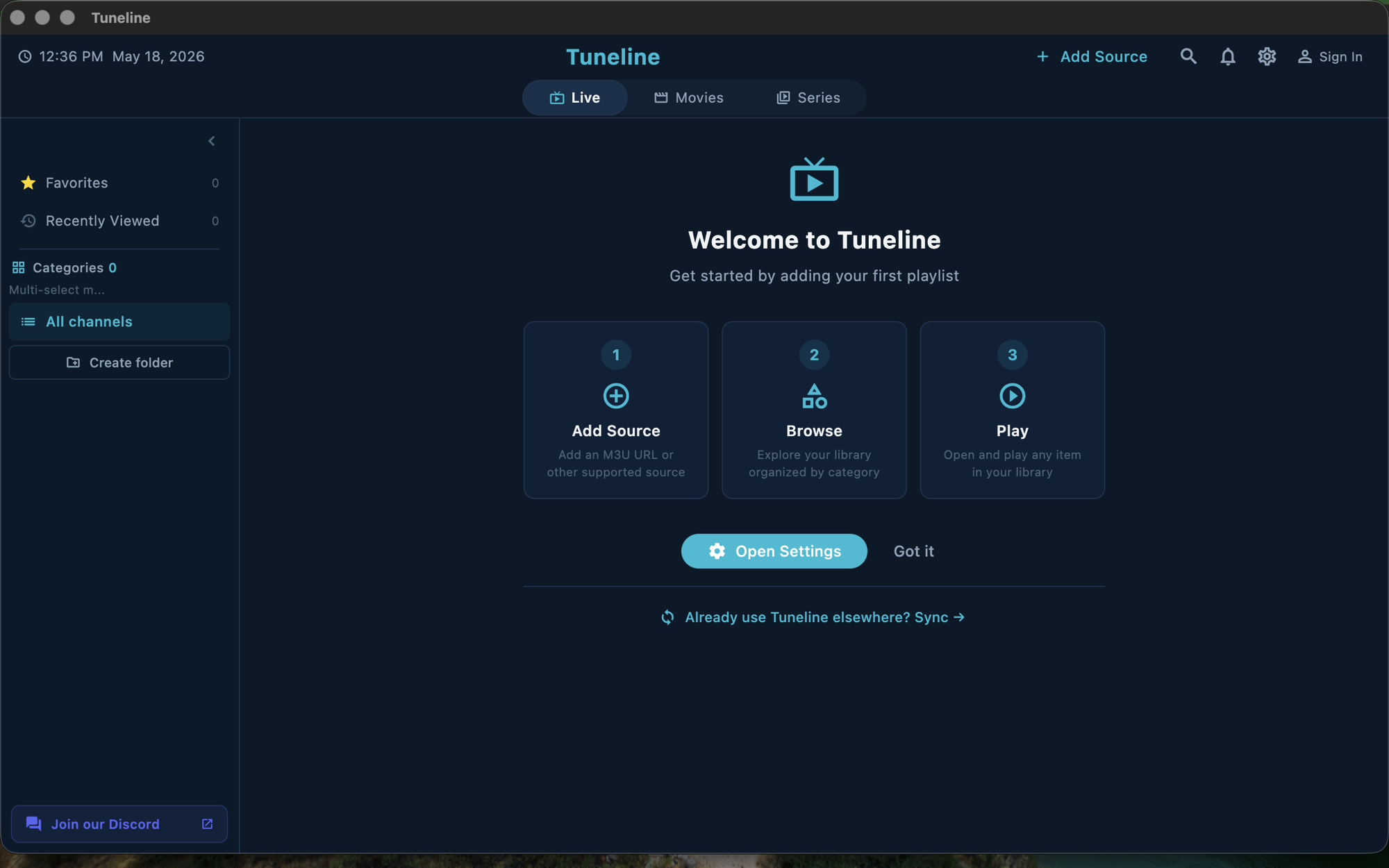
The honest framing: Tuneline is a media player for content you provide. It is not a Jellyfin client, has no Jellyfin integration, and does not browse your library. Its relevance here is narrow and I'll be exact about it.
Two Programs, Two Jobs
Every self-hosted setup is two pieces of software with different responsibilities, usually installed together and therefore assumed to be one thing.
| The server | The player | |
|---|---|---|
| Runs on | Your NAS, PC, or a box in a cupboard | The device in front of you |
| Job | Store files, scrape metadata, decide how to send each stream | Receive the stream, decode it, draw it, take your input |
| You notice it when | Scanning is slow, artwork is wrong, transcoding pegs the CPU | Playback stutters, the remote fights you, subtitles don't render |
Jellyfin, Plex and Emby ship both halves. That's convenient and it's exactly why the split is invisible until something goes wrong — at which point you can't tell which half went wrong.
The Question That Tells You Which Half Is Failing
Is the server transcoding, or is the client direct-playing?
- Direct play — the server hands the file over essentially untouched. The client does all the decoding. Server CPU near idle.
- Transcode — the client can't handle the file, so the server re-encodes it in real time. Server CPU under heavy load.
Jellyfin's dashboard shows you which is happening for every active stream, live. Look there first.
Then interpret it:
- Playback is bad and the server is transcoding → the client can't handle your files natively, so the server is doing expensive work to compensate. Fixing this at the server (a better GPU, more cores) treats the symptom.
- Playback is bad and the server is direct-playing → the client is the problem outright. It's receiving a stream it asked for and rendering it badly.
- Playback is fine but navigation is awful → the client, unambiguously. The server has no involvement in your remote.
In two of those three cases the answer is a different client, and in the third it's still the client. Which is the point.
Why TV Clients Are the Weak Spot
Desktop clients have a real browser and a fast CPU. TV clients have neither.
Common failure modes:
- No hardware decoder for your codec. An older TV stick with no AV1 decoder must transcode everything AV1. That's a hardware fact, not a server setting. (Does your device decode AV1?)
- Subtitle formats that force a transcode. Image-based subtitles and some styled formats can't be overlaid by weak clients, so the server burns them in — which means transcoding the whole video for a subtitle.
- Underpowered hardware that stutters on high-bitrate content regardless of codec.
- Interfaces designed for a mouse and then handed a d-pad. (What good remote navigation looks like.)
None of these are fixed by tuning the server. They're fixed by a better client, or better hardware, or by not asking the client to do the thing it can't.
How to Evaluate a Client
Whatever you're considering, on whatever platform, ask five things:
- Does it direct-play my files? Test with your actual library — your codecs, your bitrates, your subtitle formats. Not a sample file.
- Does it hardware-decode on this device? Software decoding on a TV box means stutter and heat.
- Can I drive it entirely with the remote? Every control reachable with four arrows and OK.
- Does it handle my subtitles without forcing a transcode?
- Is it maintained? Check the last release date, not the star count.
Point 1 is the one people skip, and it's the one that determines whether your server sits idle or runs hot every evening.
Where a Non-Jellyfin Player Fits
Now the narrow part, stated precisely because this is exactly where posts like this usually overreach.
Jellyfin, Emby and Plex can expose a stream URL or an M3U for their live side. Any player that opens a URL can play that. So for one specific situation — a device where the Jellyfin client is genuinely bad and you want something lighter — a general player can be a workable front end.
What that gets you: playback of a URL your server hands out.
What it does not get you: your library browsing, your artwork, your watch history, your resume points, your users. Those live in the server's client protocol, and a general player doesn't speak it.
So this is a fallback for an awkward device, not a replacement for a proper client on a device that has a good one. Tuneline sits in exactly that slot — it opens the URL, and that is the whole of the claim. (How the bridge works.)
If your Jellyfin client works, use it. It knows things a general player structurally cannot.
The Practical Sequence
When something is wrong, in order:
- Check the dashboard. Direct play or transcode?
- Transcoding? Find out which stream property triggered it — codec, container, or subtitles. Jellyfin tells you.
- Fix at the right layer. A client that can't decode your codec is a client problem. Do not buy a better GPU for the server to paper over it.
- Navigation complaints are always the client. The server has no opinion about your remote.
- Only then consider whether a different client, or different hardware, is the answer.
FAQ
What's the difference between a media server and a media player?
The server stores your files, scrapes metadata and decides how to send each stream. The player receives it, decodes it and draws it. Jellyfin ships both, which is why they get conflated.
Why is Jellyfin fine on my computer but bad on my TV?
Almost always the client. Desktop clients have real CPUs and browsers; TV clients often lack a hardware decoder for your codec, so the server transcodes to compensate.
How do I know if my client is direct-playing?
Jellyfin's dashboard shows direct play or transcode for every active stream in real time.
Will a better server CPU fix stuttering on my TV box?
It'll make transcoding less painful, but it treats the symptom. If the client can't decode your files, that's the thing to fix.
Can I use a non-Jellyfin player with my Jellyfin server?
For playing a stream URL or M3U the server exposes, yes. You won't get library browsing, artwork, watch history or resume — those need a real client.
Bottom Line
- A server and a player are two separate decisions that happen to ship together.
- Direct play vs transcode is the diagnostic that tells you which half is failing.
- Transcoding usually means a client limitation, not a server one — fix it at the client.
- Navigation complaints are always the client.
- Evaluate clients on your actual files, not a sample.
- A general player can open a server's stream URL, but gets none of the library features. Fallback, not replacement.
Got one device where the client is the weak link? Download Tuneline and point it at a stream URL your server already exposes. Free and ad-free.
— Shamir
Share this article
Get Tuneline free
A clean, no-account media player for macOS, Windows, Linux, Android, TV, and iOS. Bring your own playlist.
Download freeRelated articles
- Ethernet vs Wi-Fi for 4K Streams: What Actually Matters (2026)
- Linux Video Playback in 2026: Wayland, VA-API and HDR
- Streamflation 2026: What Streaming Really Costs Now
- What Is a Stream URL, and How Do You Check Yours? (2026)
- What Is a .TS File, and Why Your Streams Are Made of Them
Read this article in another language
- EnglishYour Jellyfin Server Still Needs a Player: The Split Nobody Explains
- AfrikaansJou Jellyfin-bediener benodig steeds 'n Speler: Die Skeiding Wat Niemand Verduidelik
- বাংলাআপনার Jellyfin সার্ভারের এখনও একটি প্লেয়ার দরকার: যে বিভাজনটি কেউ ব্যাখ্যা করে না
- ΕλληνικάΟ διακομιστής Jellyfin χρειάζεται και πάλι player: ο διαχωρισμός που κανείς δεν εξηγεί
- فارسیسرور جِلیفین شما همچنان به یک پخشکننده نیاز دارد: تفکیکی که هیچکس توضیحش نمیدهد
- SuomiJellyfin-palvelimesi tarvitsee edelleen soittimen: jako, jota kukaan ei selitä
- हिन्दीआपके Jellyfin सर्वर को अब भी एक प्लेयर चाहिए: वह अंतर जिसे कोई समझाता नहीं
- 한국어Jellyfin 서버도 플레이어가 필요합니다: 아무도 설명하지 않는 분리
- Bahasa MelayuPelayan Jellyfin Anda Masih Memerlukan Pemain: Perbezaan yang Tidak Pernah Diterangkan
- NorskJellyfin-serveren din trenger fortsatt en spiller: Skillet ingen forklarer
- РусскийВашему серверу Jellyfin все еще нужен плеер: разделение, которое никто не объясняет
- СрпскиVaš Jellyfin server i dalje treba plejer: Podjela koju niko ne objašnjava
- SvenskaDin Jellyfin-server behöver fortfarande en spelare: uppdelningen ingen förklarar
- TagalogKailangan Pa rin ng Player ng Iyong Jellyfin Server: Ang Pagkakaibang Hindi Ipinaliliwanag ng Karamihan
- TürkçeJellyfin Sunucunuzun Hâlâ Bir Oynatıcıya İhtiyacı Var: Kimsenin Açıklamadığı Ayrım
Tuneline is a media player application. It does not provide, host, or distribute any content. You bring your own playlist, exactly as you would with VLC.